Google Cloud
Run a scheduled flat file import
Overview
Import static (CRM) or time series (Metrics) data from dedicated Google Cloud Platform (GCP) folders on a fixed cadence.
How it works
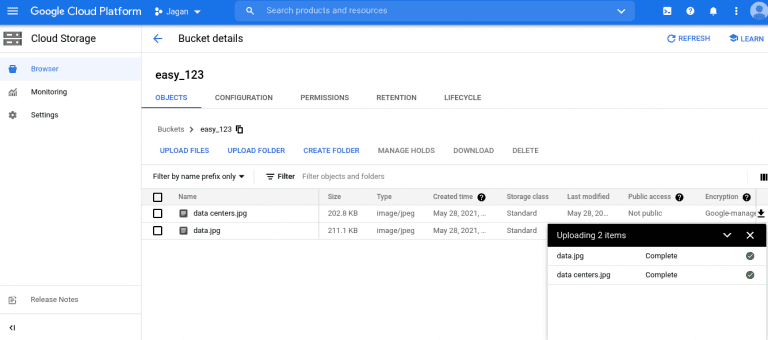
Planhat will fetch and import standard import files (.csv or .xslx) from selected folders in GCP at a chosen frequency ranging from once every 5 minutes, to once every week.
Configure
Authorized Planhat users can connect their GCP instance to Planhat from the Integrate tab. For a step-by-step guide, see our Help Center. Note that you will need to have the requisite GCP access permissions to initiate the connection.
One Customer Platform. Everyone's Business.
Your entire organization, built around your customer.